June 15, 2014

Google I/O 2014

Google I/O 2014 is going to be on June 25-26 at Moscone West in San Francisco. Google I/O is Google's annual developer conference, where they share the latest products and technologies. The theme this year is Design, Develop, and Distribute. There will be breakout sessions, workshops and code labs, app reviews and 'Box talks. I am looking forward to attending Google I/O, especially the sessions, workshops and 'box talks about Android and Wearables. Android Wear's official SDK and the 1.0 of Android Studio will probably be announced there.

If you won't be able to attend Google I/O, you can watch it live on the Google I/O website or attend an I/O Extended event near you. In the Philippines, the Google Developer Groups are organizing I/O Extended events in Manila, Baguio, Bacolod, Cebu, Cagayan de Oro, Nueva Ecija, and Zamboanga.

The event schedule can be found at https://www.google.com/events/io/schedule. You can also download the official Android app on Google Play Store.



June 14, 2014

Saturday in Angeles, Pampanga

Carissa Coles, community manager of GBG Angeles, invited GDG Philippines for a developer meetup in Angeles City, Pampanga on June 7.

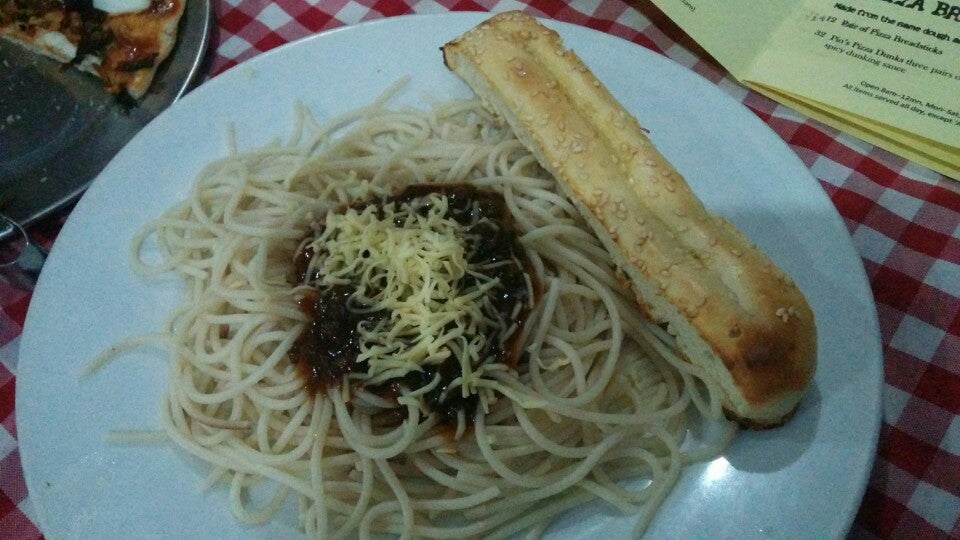
Wayne and I left around ten in the morning and arrived in Dau Mabalacat Bus Terminal. It rained very hard so we had to wait a few minutes before going to Angeles. We rode a jeep and alighted near Jenra Mall. We walked to Historic Camalig Restaurant for lunch. Our orders Marco's 3-way Tinapa-flavor pizza and Pacencia a Kapampangan mom's sweet recipe pasta for me. The pasta was a bit too sweet.


Marco's 3-way Tinapa-flavor pizza


Pacencia a Kapampangan mom's sweet recipe pasta

After lunch, we went to SJH Building in Holy Angel University for the event. I talked about Google Developer Groups (GDGs) and GDG Philippines. Lars Norlander, a GSA from Angeles University Foundation also gave a talk about the Google Student Ambassador (GSA) Program and his experience in the GSA South East Asia Summit last May. Wayne talked about Google Maps, Google Maps APIs, and Google Map Maker. The participants then had hands-on mapping before the event ended.


The attendees of the GDGPH-GBG Angeles Developer Meetup

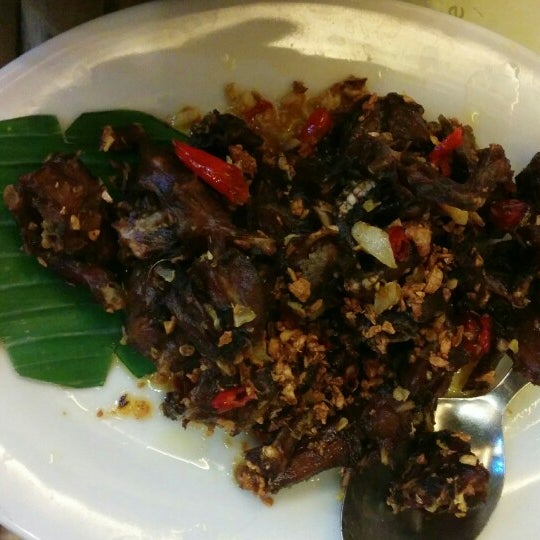
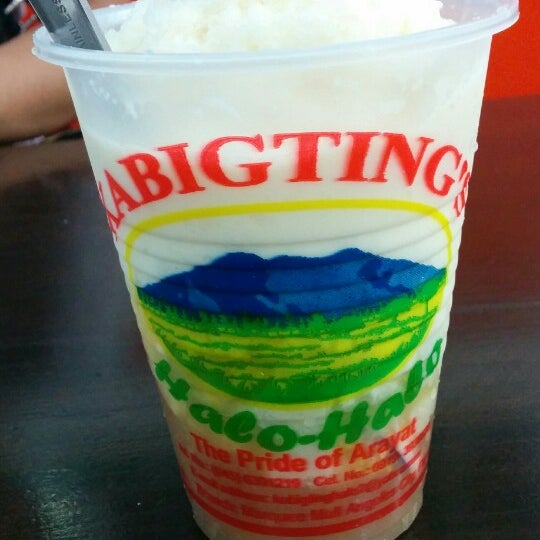
Carissa, Wayne, and I walked to Holy Rosary Parish Church and a few more steps until we rode a jeep to Marquee Mall. We went Apag Marangle to eat but Carissa and her husband left already. We tried their tilapia and chili frog. After dinner, we decided to have some halo halo at Kabigting's.


Chili Frogs


Kabigting's Halo-Halo, the pride of Arayat

They said that the last bus in Marquee Mall bound to Manila is available only until seven in the evening. Because it is already past that time when we finished eating, we opted to ride another jeep back to Dau Terminal. Before riding a bus, we looked around for pasalubong and could not find stores selling them, except for one. We bought some and rode the bus and went back.


April 2, 2014

Android Wear Developer Preview

Last month, Google announced Android Wear, Android's platform for wearable devices, and the Android Wear Developer Preview. This preview is not intended for production use because it will no longer be supported after the official SDK is released, which will probably be announced in Google I/O 2014 happening on June 25-26.

To get started with the Android Wear Developer Preview, you must first signup at http://developer.android.com/wear/preview/signup.html. You can then download the Android Wear Support Library and sample codes, and you will be given access to the Android Wear Preview app on Google Play.

Download the Android Wear ARM EABI v7a System Image using the Android SDK Manager. It is available under Android 4.4.2. When creating a smart watch emulator, you can choose between AndroidWearSquare or AndroidWearRound depending on the display you want. The target should be Android 4.4.2 and the CPU/ABI should be Android Wear ARM (armeabi-v7a).

If you already have installed the Android Wear Preview app, open it and check the notification access in the settings. To connect the Android Wear emulator to the app, go to your command line terminal, navigate to your Android SDK's platform-tools directory and execute adb -d forward tcp:5601 tcp:5601.

The Android Wear support library must also be added to your Android project. You can try this with the sample codes included in the download

For more information, you can check out the Android Wear website, join the Android Wear Developers Google+ community at http://g.co/androidweardev, or watch the Android Wear DevBytes playlist: